On the alphalist CTO Podcast: The Company Brain
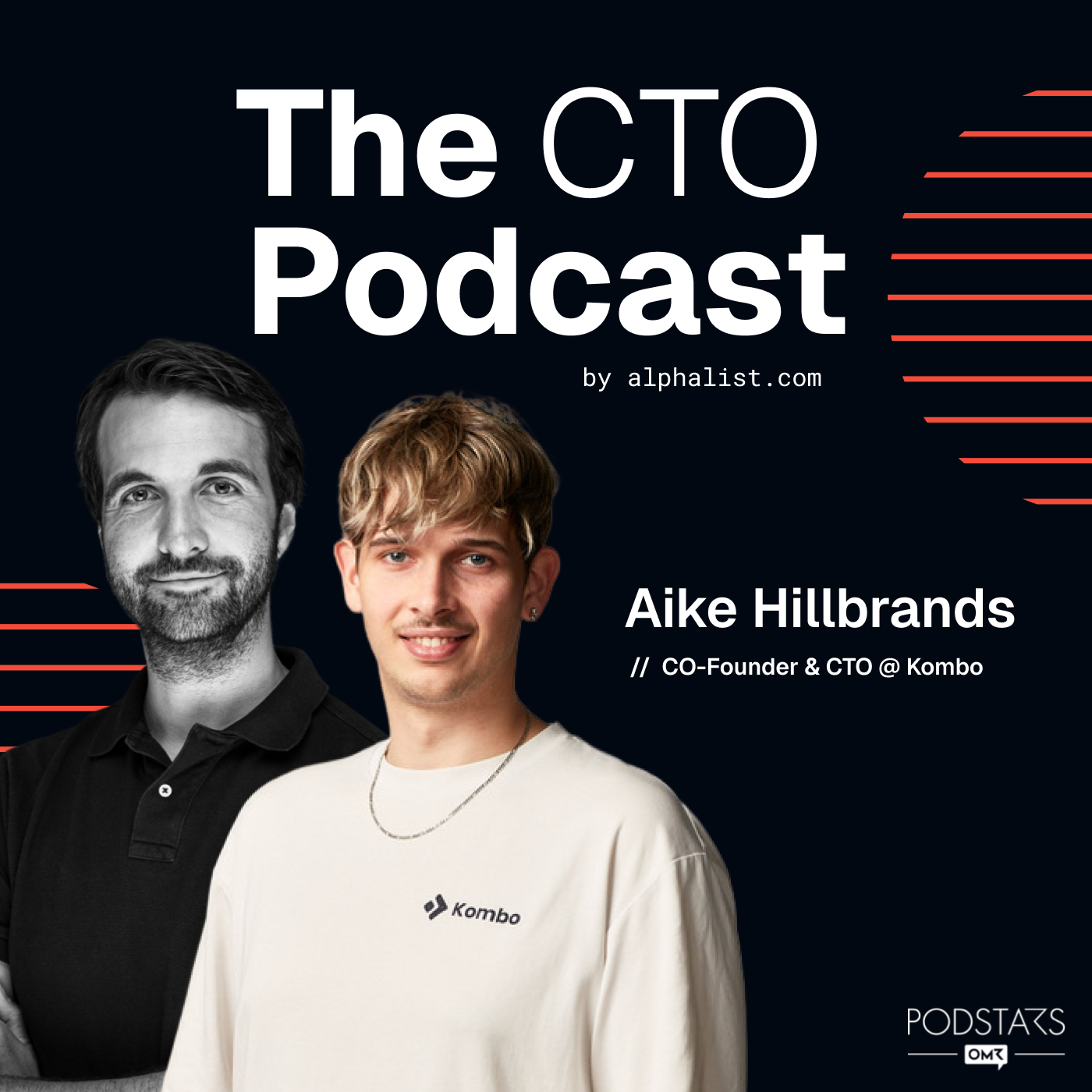
I joined Tobias Schlottke for episode #143 of the alphalist CTO Podcast to talk about the “company brain” we’ve built at Kombo: a git repo of markdown files and CLIs that our internal and (soon) customer-facing agents run on.
Listen to it on alphalist, Spotify, or Apple Podcasts.
TL;DR
- We built a git repo of markdown files plus a few CLIs, and pointed Cursor cloud agents at it.
- We tried MCP search tools first. Plain files and
grepworked much better, because the agent doesn’t stop searching too early. - A Slack channel where anyone can ask the agent questions turned out to be the real unlock
- We laucned a scoped-down version of this already, answering customers directly, as KomboAI in their own Slack or Teams channels.
How the company brain actually works
In plain terms: it’s a folder of text files in a git repo. Support tickets, call transcripts, product docs, and our own codebase all get pulled into it as markdown. Every file that mentions a customer links to that customer’s file, and that file links back to everything relevant, so an agent starting anywhere can find its way to everything connected.
An AI coding agent (we use Cursor’s cloud agents, triggered by webhooks) works against this folder just like it would work against a codebase: it greps around, reads what looks relevant, and answers the question. No custom database or RAG is needed. When a support ticket comes in, that webhook kicks off an agent that reads the relevant files and drafts an internal note before a human even opens the ticket.
I built a first version in just two hours, and wiring it to a Slack channel took another five minutes. Employees can now just ask the agent things directly instead of relaying questions through an engineer, and because the channel is public, everyone can see what others are asking, which ends up teaching the company as a side effect.
We run a scoped-down version of the same idea externally, too: KomboAI sits in a shared Slack or Teams channel with customers and answers technical support questions with read-only, account-aware access to their own environment.
My key takeaways
- Files beat tool calls. Giving the agent an MCP search tool made it stop after the first plausible-looking result. Giving it a folder to
grepmade it check 200 files and actually read 50 of them. Less abstraction, better research. - Restrict actions, not access. Withholding data from the agent makes it worse at its job. Withholding what it can do doesn’t. That principle carries over directly into how we think about exposing this to customers, which I wrote about separately.
- Public by default is a security feature, not just a culture choice. An agent operating in a shared Slack channel gets social oversight for free: if someone tries to misuse it, other people notice.
- Don’t buy another software. Two hours of setup and a Slack webhook got us all the value on software we use already.
Related
- kombohq/company-brain — the open-source template for this setup
- KomboAI — the customer-facing agent running on a scoped-down version of the same idea
- Principles for a Customer-Facing Agent That Knows Too Much — how we think about exposing this to customers safely
- The Lethal Trifecta by Simon Willison — the framing we use for agent security
- Episode #143 on alphalist